

Deskripzioa
Automind Toolkit is a lightweight, all-in-one growth suite designed for agencies, creators, and startups who value performance and brand consistency.
Stop installing 5 different plugins for basic features. Automind Toolkit bundles the essential “Launch Stack” into one file, adhering to a strict Zero-Bloat philosophy (No frameworks, no jQuery, minimal CSS).
🚀 Key Features:
- Launchpad (Maintenance Mode): Beautiful, typography-driven “Coming Soon” page with a countdown timer and email capture.
- Bio Links (Linktree Alternative): Create a clean, fast-loading “Link in Bio” page (
/bio) hosted on your own domain.
No more paying for basic link tools. - Custom Login Screen: Rebrand the default WordPress login page (
wp-login.php) with your own Logo and Colors.
Great for client handoff. - Smart 404: Automatically turn lost visitors into leads by displaying a newsletter capture form on 404 error pages.
- Newsletter Widget: Use the
[automind_newsletter]shortcode to place a stylish subscription form anywhere (Sidebar, Footer, Posts). - Honeypot Security: Built-in invisible trap blocks bots without annoying CAPTCHAs.
- White Label: Customize the admin footer text to remove WordPress branding (e.g., “Powered by Your Agency”).
- CSV Export: Download your subscriber list with one click.
🎨 Design System:
The plugin features the “Automind Vibe” – a minimalist, editorial design style.
You can switch between Serif (Playfair Display) for luxury/legal brands and Sans-Serif (Inter) for modern tech startups with one click.
Pantaila-argazkiak
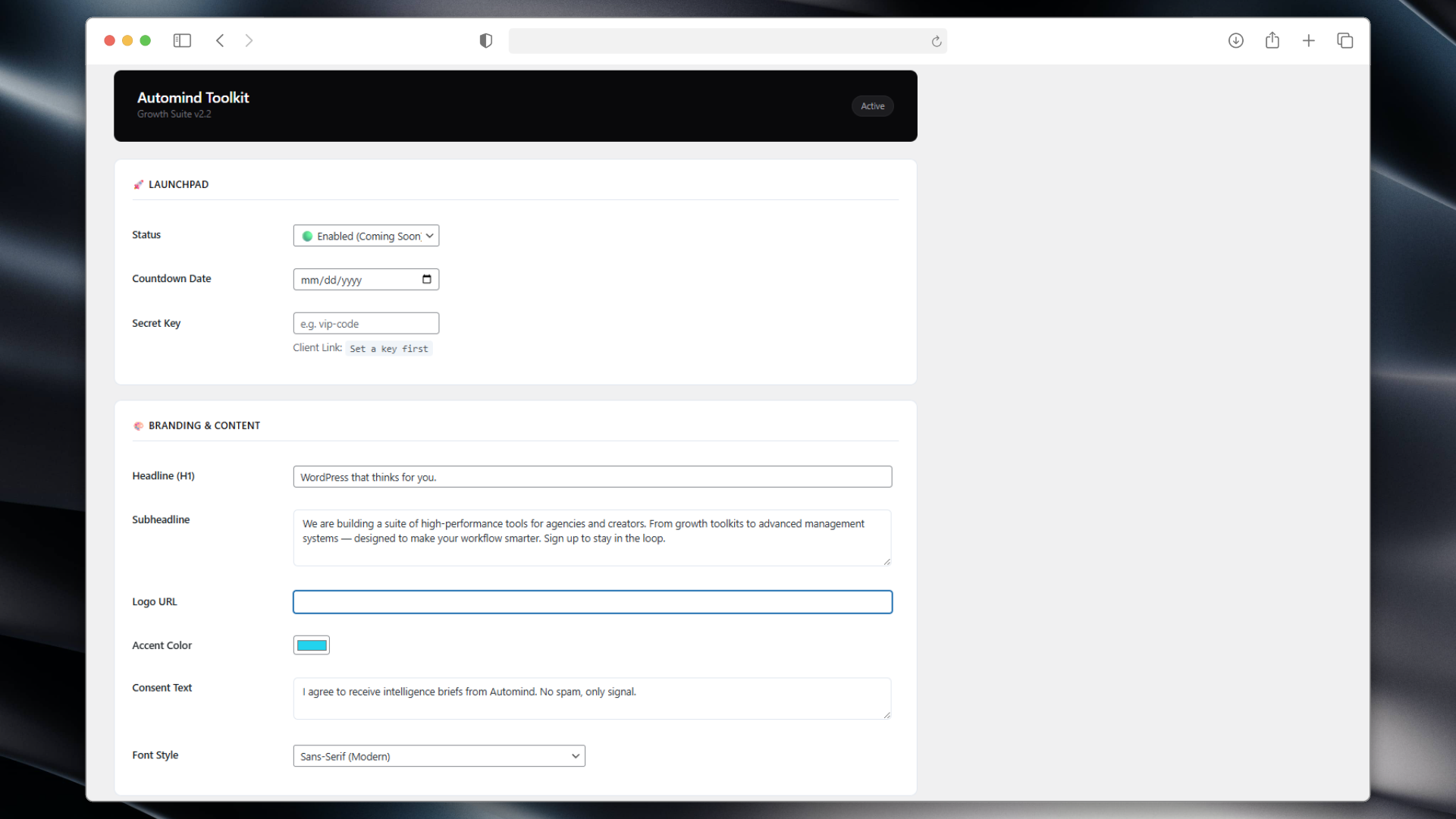
Dashboard 1 – A clean, SaaS-style control panel. 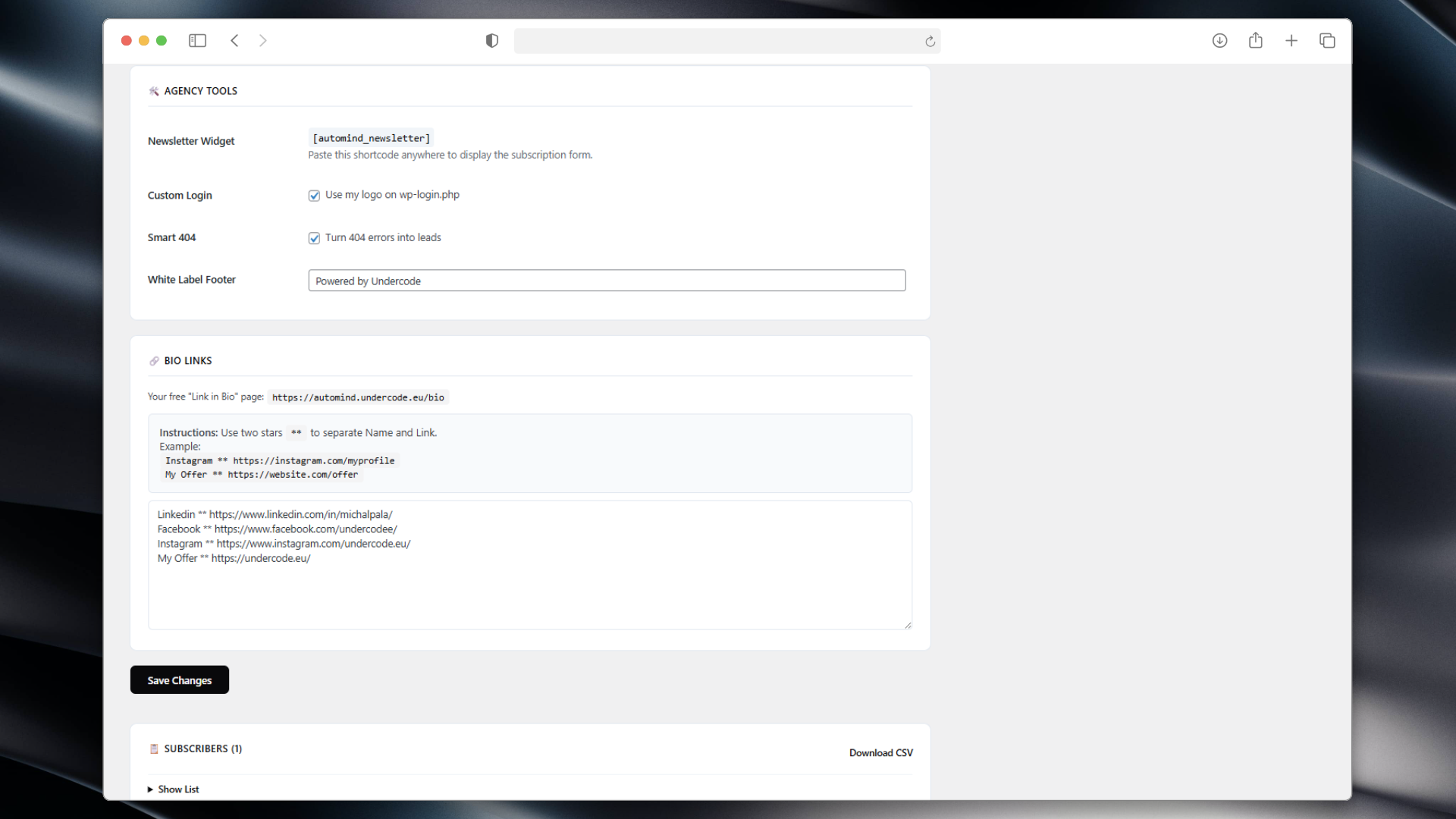
Dashboard 2 – A clean, SaaS-style control panel. 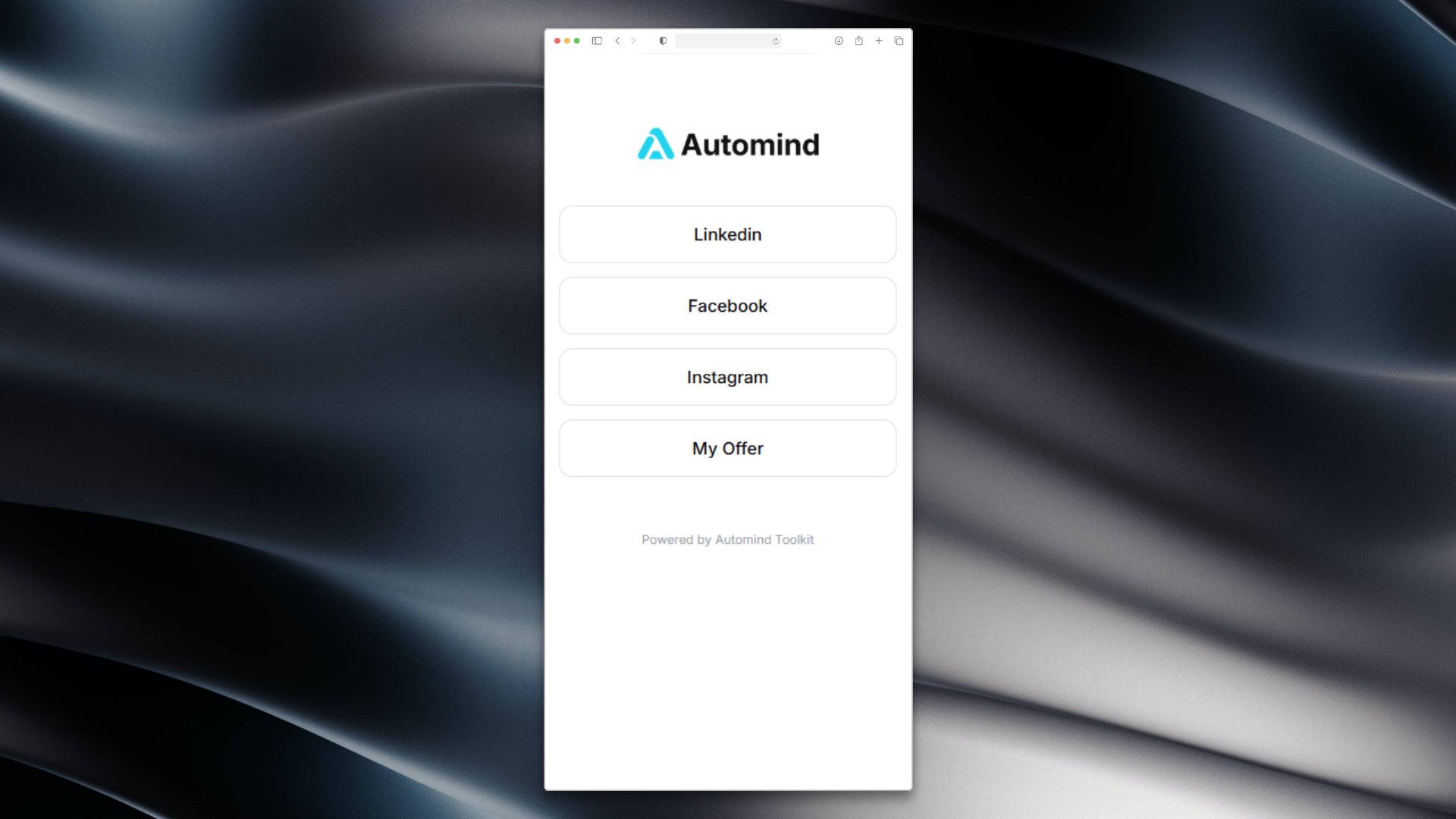
Bio Links – Your personal link hub. 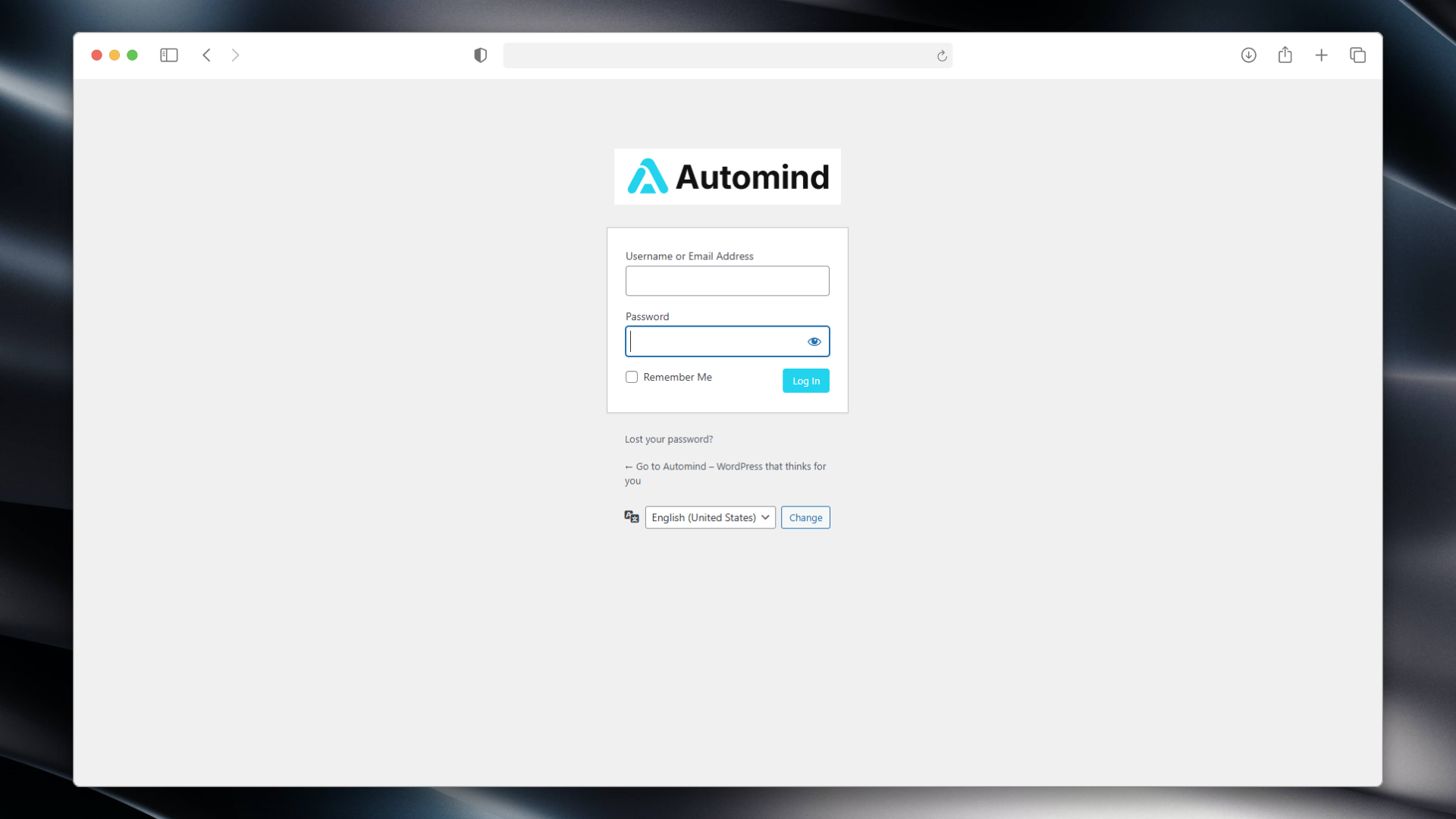
Custom Login – Branded login experience. 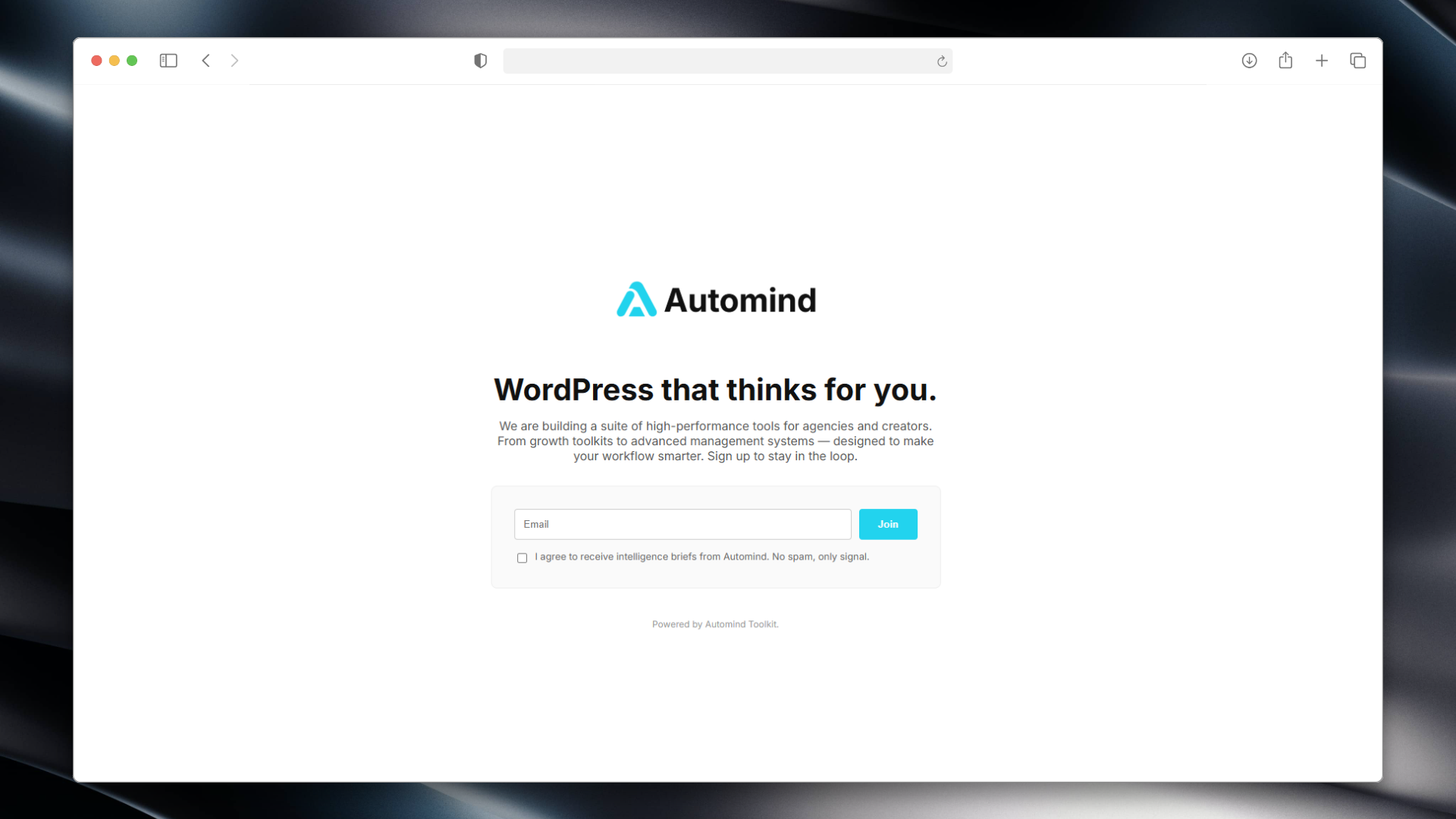
Maintenance Mode – Minimalist frontend with countdown.
Instalazioa
- Upload the plugin files to the
/wp-content/plugins/automind-toolkitdirectory. - Activate the plugin through the ‘Plugins’ screen in WordPress.
- Go to the “Automind Toolkit” menu in your dashboard.
- Configure your colors, logo, and enable the modules you need.
MEG
-
How do I add links to my Bio Page?
-
Go to the “Bio Links” section in the plugin settings.
Enter your links in the format:Name ** URL(one per line). Example:Instagram ** https://instagram.com. -
Where is the subscriber data stored?
-
Emails are stored locally in your WordPress database.
We do not send data to any external servers. You can export the list as a CSV file. -
Can I give clients access while Maintenance Mode is on?
-
Yes! Use the “Secret Key” feature.
The plugin generates a special link (e.g.,/?access_key=vip) that allows clients to bypass the lock screen without logging in.
Berrikuspenak
Ez dago berrikuspenik plugin honentzat.
Laguntzaileak eta Garatzaileak
“Automind Toolkit” software librea da. Ondoko pertsonek egin dizkiote ekarpenak plugin honi.
Laguntzaileak
Itzul zaitez Automind Toolkit zure hizkuntzara.
Garapena interesatzen zaizu?
Araka kodea, begiratu SVN biltegia edo harpidetu garapen erregistrora RSS bidez.
Aldaketen loga
2.6.5
- Updated codebase to meet the latest WordPress.org repository guidelines (prefixes, output escaping, Guideline 10 compliance).
2.2.0
- UX Improvement: Bio Links now accept
**as a separator for easier typing. - Updated Admin UI with clearer instructions.
2.1.0
- Added “Smart 404” module.
- Added Custom Login Branding.
- Added
[automind_newsletter]shortcode. - Added Secret Key bypass link.
1.0.0
- Initial release (formerly Automind Launchpad).