
Deskripzioa
The parallax effect is a modern web design technique where the background element scrolls slower than the foreground content. The parallax effect can be used on landing pages, long-form content, sales pages, or the homepage of a business website. It is a great way to highlight different sections on a lengthy page.
You can easily create a parallax section with this plugin.
Features
- Easy to use
- It does not require much technical knowledge to use
- It is lightweight because it relies on JavaScript
How to use
- First, install the Parallax Section plugin
- Add the Parallax Section block from the block category called “Widgets” in the Gutenberg editor.
- You can change block settings from the right-side settings sidebar.
-
Enjoy!
-
For installation help click on Installation Tab
Feedback
- Did you like this plugin? Dislike it? Do you have a feature request? Please share your feedback with us
⭐ Check out the Parent Plugin of this plugin-
🔥 b Blocks – Best gutenberg blocks collections for WordPress.
⭐ Check out our other WordPress Plugins-
🔥 Html5 Audio Player – Play .mp3, .wav, and .ogg audio files in WordPress.
🔥 Html5 Video Player – Best video player plugin for WordPress.
🔥 PDF Poster – A fully-featured PDF Viewer Plugin for WordPress.
🔥 Document Embedder – Embed Word, Excel, PowerPoint, Apple Pages, Psd, Pdf and more.
🔥 3D Viewer – Display interactive 3D models on the webs.
🔥 Advanced Post Block – Display your Posts, Custom Post Content and Blogs in a professional way!
Pantaila-argazkiak
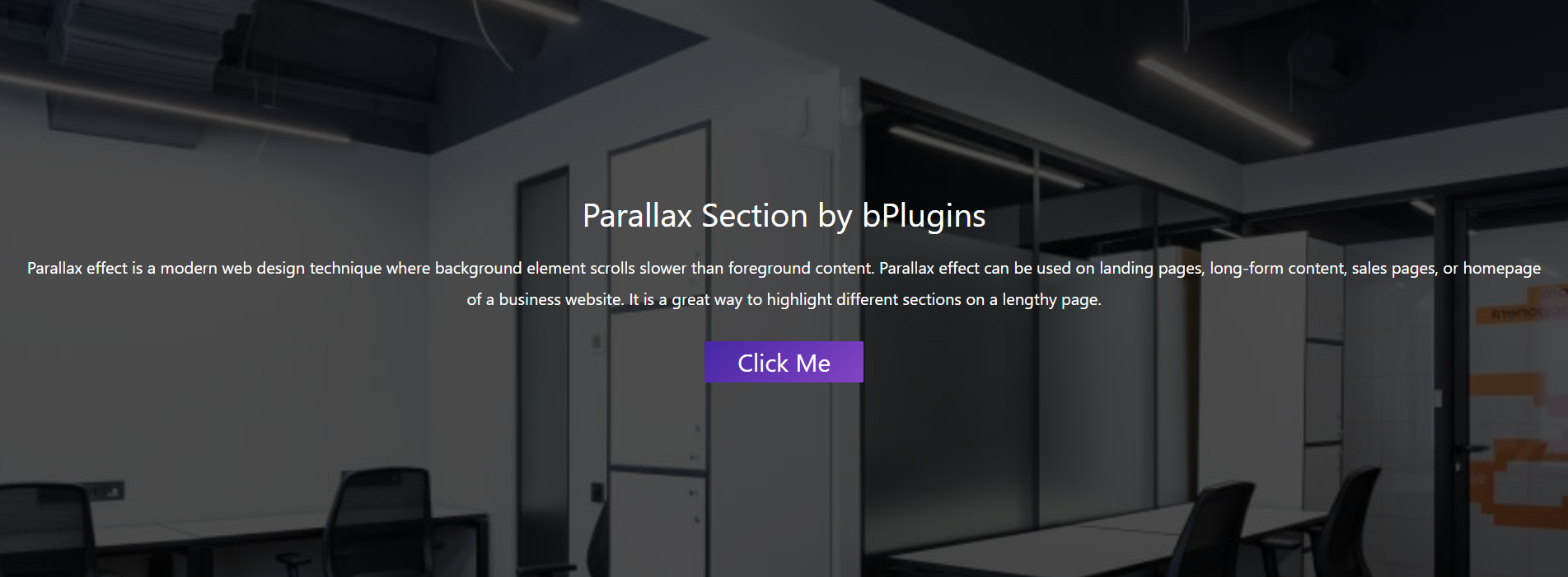
Parallax Section 
Parallax Settings
Blokeak
Plugin honek 1 blokea hornitzen du.
- Parallax Section Parallax scrolling effects in section.
Instalazioa
From Gutenberg Editor:
- Go to the WordPress Block/Gutenberg Editor
- Search For Parallax Section
- Click on the Parallax Section block to add the block
Download & Upload:
- Download the Parallax Section plugin (.zip file)
- In your admin area, go to the Plugins menu and click on Add New
- Click on Upload Plugin and choose the
parallax-section.zipfile and click on Install Now - Activate the plugin and Enjoy!
Manually:
- Download and upload the Parallax Section plugin to the
/wp-content/plugins/directory - Activate the plugin through the Plugins menu in WordPress
MEG
-
Is Parallax Section free?
-
Yes, Parallax Section is a free Gutenberg block plugin.
-
Does it work with any WordPress theme?
-
Yes, it will work with any standard WordPress theme.
-
Can I change block settings?
-
Yes, you can change block settings from the Gutenberg block editor’s right sidebar.
-
How many times can I reuse a block?
-
You can use unlimited times as you want.
-
Where can I get support?
-
You can post your questions on the support forum here
Berrikuspenak


Laguntzaileak eta Garatzaileak
“Parallax Section block – Parallax scrolling effects in section.” software librea da. Ondoko pertsonek egin dizkiote ekarpenak plugin honi.
Laguntzaileak


Parallax Section block – Parallax scrolling effects in section. 1 eskualde-ezarpenera itzuli da. Eskerrik asko itzultzaileei beraien ekarpenengatik.
Itzul zaitez Parallax Section block – Parallax scrolling effects in section. zure hizkuntzara.
Garapena interesatzen zaizu?
Araka kodea, begiratu SVN biltegia edo harpidetu garapen erregistrora RSS bidez.
Aldaketen loga
1.0.9
- Fix Iframe issue
1.0.8
- Reduce Dependency
1.0.7
- Fix issue
1.0.6
- Initial height
1.0.5
- Not load scripts if block is not used
1.0.4
- Add translate feature
1.0.3
- Fix Dependency
1.0.2
- Reduce PHP Code
- Performance Improvement
1.0.1
- Reduce PHP Code
1.0.0
- Initial Release