

Deskripzioa
Tipso is a simple WordPress tooltip plugin that displays a responsive, animated, fully customizable tooltip when the visitor hovers over the matched element.
Usage
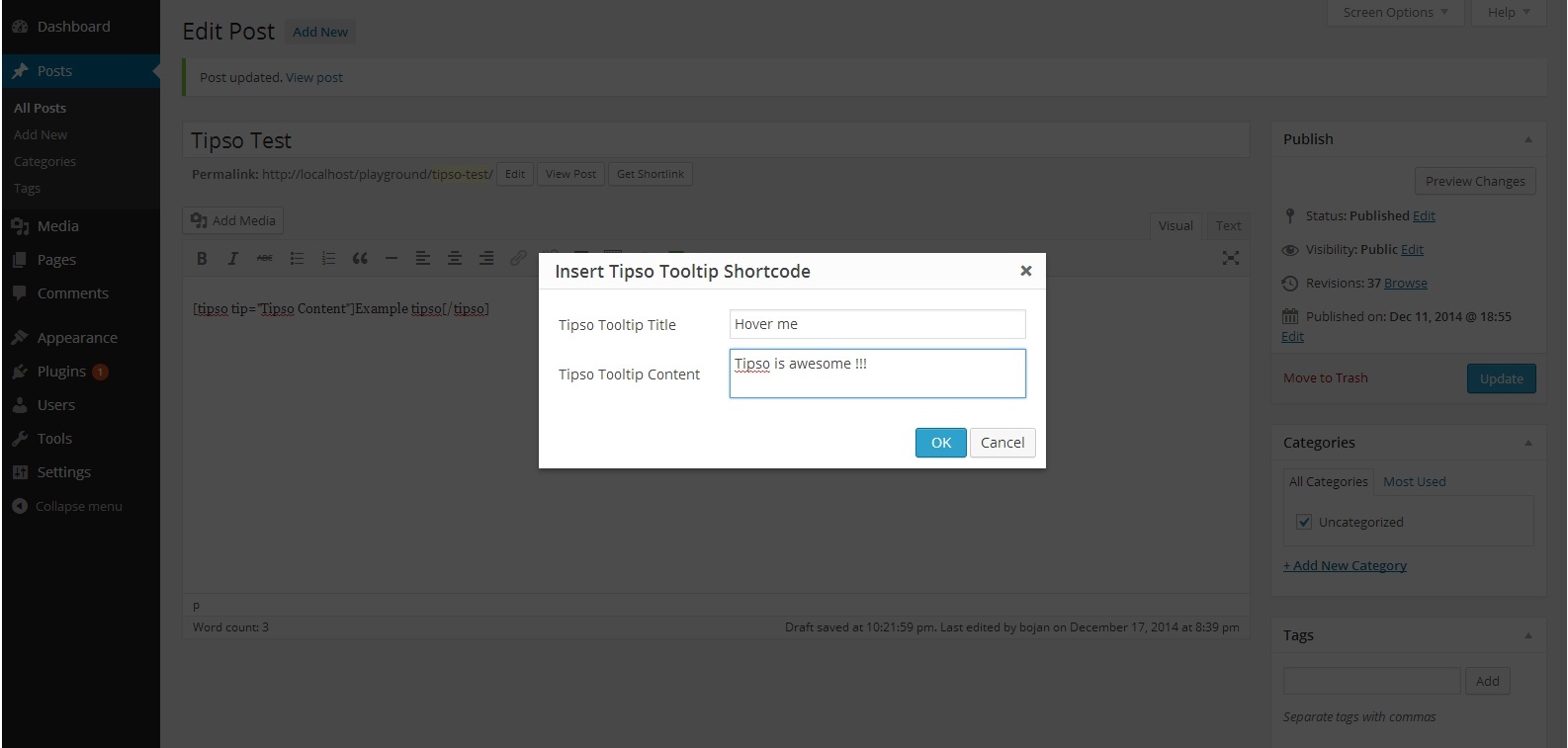
The plugin adds a button in the editor. On click it opens a modal window where you can enter the tooltip content. It generates a shortcode and inserts it in the editor.
The shortcode
[tipso tip=”Tooltip content”]Hover me[/tipso]
You can also manually add the shortcode in the editor, or you can assing the tooltip functionality to any element simply by adding a class tipso and for the content add a data-tipso=”Tooltip content”
For making changes to the default tooltip options (background color, content color etc.) go to “Settings/Tipso Settings”
Check the demo
Pantaila-argazkiak


Instalazioa
- Unzip the plugin and upload it to your site\’s “/wp-content/plugins/” folder.
- Activate the plugin through the \’Plugins\’ menu in WordPress.
- Modify the plugin’s option settings
- Check out your new button in the content editor.
MEG
For any question feel free to contact me 🙂
Berrikuspenak


Laguntzaileak eta Garatzaileak
“Tipso” software librea da. Ondoko pertsonek egin dizkiote ekarpenak plugin honi.
Laguntzaileak
Itzul zaitez Tipso zure hizkuntzara.
Garapena interesatzen zaizu?
Araka kodea, begiratu SVN biltegia edo harpidetu garapen erregistrora RSS bidez.
Aldaketen loga
1.0.0
- Initial release